

Smart file detection
FTPull knows when a file is still being uploaded. It waits until the upload is complete before downloading - no more corrupted files.
FTP · SFTP · FTPS macOS
Your FTP files,downloaded automatically.
FTPull monitors your FTP server and downloads new files to your Mac the instant they're ready. Set it once, forget it forever.
From the server to your Mac · Mac
macOS 13+ · Apple Silicon + Intel
FTPull
FTPull monitors your FTP server and downloads new files to your Mac the instant they're ready. Set it once, forget it forever.
FTPull knows when a file is still being uploaded. It waits until the upload is complete before downloading - no more corrupted files.

Monitor several FTP servers simultaneously. Each with its own settings, filters, and local destination folder.

Connect securely with any protocol. Encrypted transfers for sensitive data in healthcare, finance, or any regulated industry.
FTPull / macOS
Host, username, password, remote folder. Pick your industry preset and FTPull configures everything else.
Where should your files go? Pick any folder on your Mac. FTPull will organize them by date, client, or however you prefer.
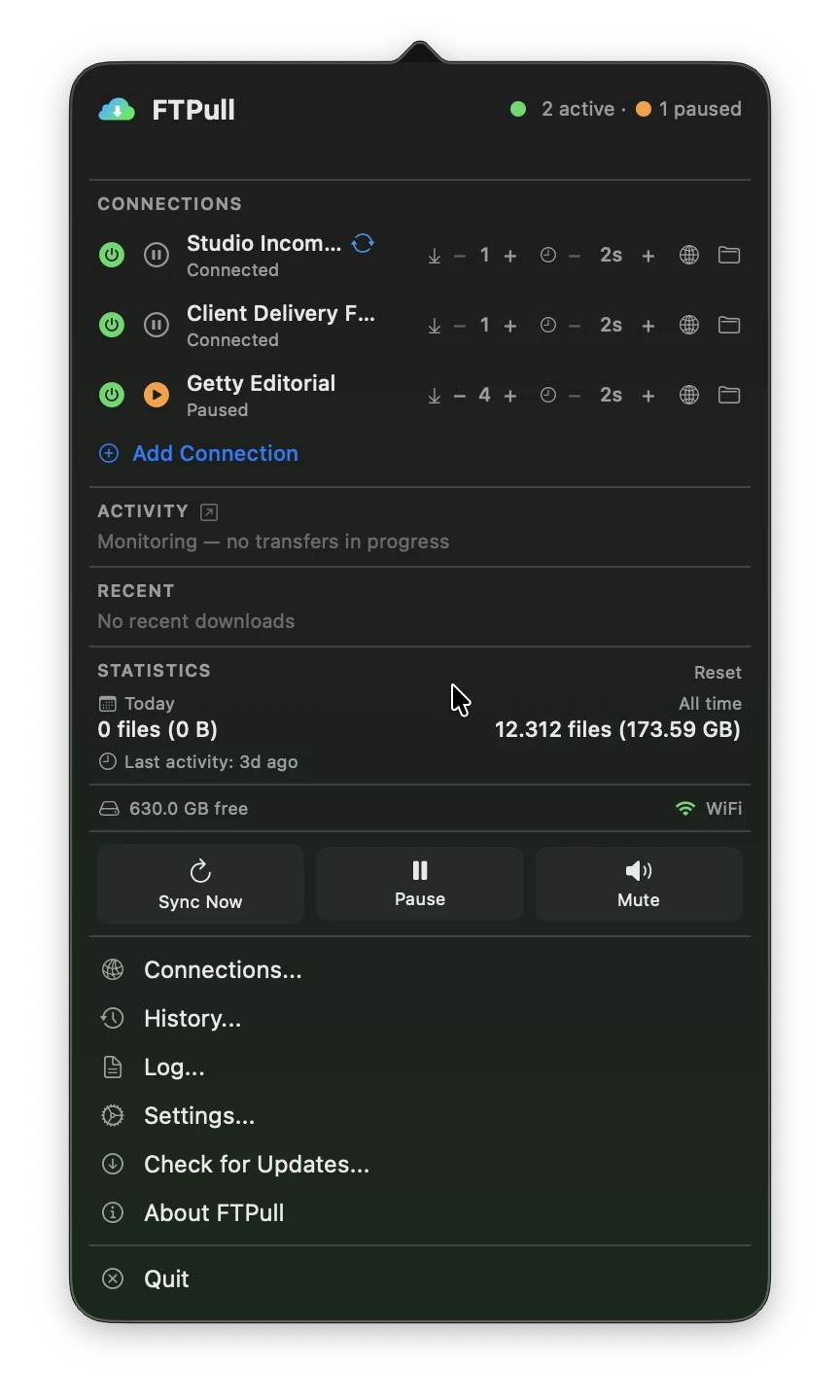
FTPull sits in your menu bar, silently working. New files appear in your folder. You never think about FTP again.
FTPull
 Auto-organize files
Sort downloads by date, by client, or by connection name. Your files land exactly where they belong.
 Smart filters
Download only the files you need. Filter by extension, filename pattern, or minimum file size. Built-in presets for 10+ industries.
 Post-download actions
Automatically open PhotoMechanic, run an import script, or launch any app after files are downloaded.
Intelligent retryIf a download fails, FTPull retries automatically with exponential backoff. No files left behind.
 Full activity log
Complete history of every file transferred. Timestamps, sizes, status. Export for audits and compliance.
 Time-based scheduling
Sync only during the hours you choose. Perfect for off-peak bandwidth usage or scheduled batch imports.
 Remote File Browser
Browse, create, rename and delete files and folders on your FTP server directly from the app - no separate FTP client needed.
| Feature | FileZilla | Scripts | Enterprise MFT | FTPull |
|---|---|---|---|---|
| Automatic monitoring | ✗ | ~ | ✓ | ✓ |
| Incomplete file detection | ✗ | ✗ | ~ | ✓ |
| No coding required | ✓ | ✗ | ✓ | ✓ |
| macOS native | ~ | ✓ | ✗ | ✓ |
| Industry presets | ✗ | ✗ | ✗ | ✓ |
| Price | Free | Free | $5,000+/yr | €49/yr |
FTPull
Try it free for 14 days first
FTPSuite
FTPull works with any standard FTP, SFTP, or FTPS server. This includes hosting providers, NAS devices (Synology, QNAP), dedicated servers, and cloud FTP services. If FileZilla can connect to it, FTPull can too.
FTPull uses three detection methods: size stability, flag files (.done), and temporary extensions (.tmp/.part). You choose which method works best for your workflow.
Not at all. FTPull runs a tiny listing check every few seconds - less network traffic than having a browser tab open. CPU usage is virtually zero when idle.
Yes. You can configure unlimited FTP connections, each with its own credentials, filters, polling interval, and local destination folder.
Only if you want it to. FTPull has two modes: move (download + delete) and copy (download only, keep original).
Yes. FTPull includes a 14-day free trial - no credit card required.
All updates are included in your annual subscription. Renew to stay up to date.
FTPSuite